Disable your Kubernetes applications
Disable your applications
There might be times when you want to temporarily disable your Kubernetes pods to perform maintenance or upgrades. You can do so through the following steps:
- Access your ArgoCD.
- Navigate to the application directory for the
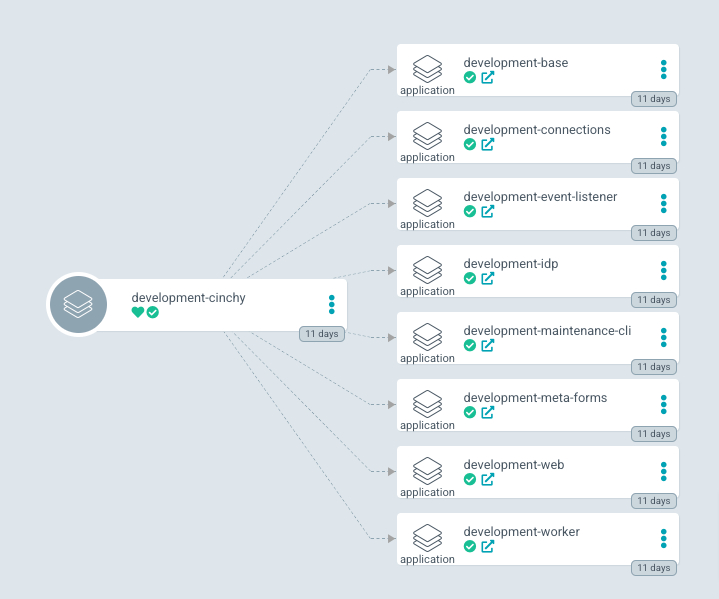
namespaceyou wish to disable, in this case development-cinchy (Image 1). You should see your cluster component applications.
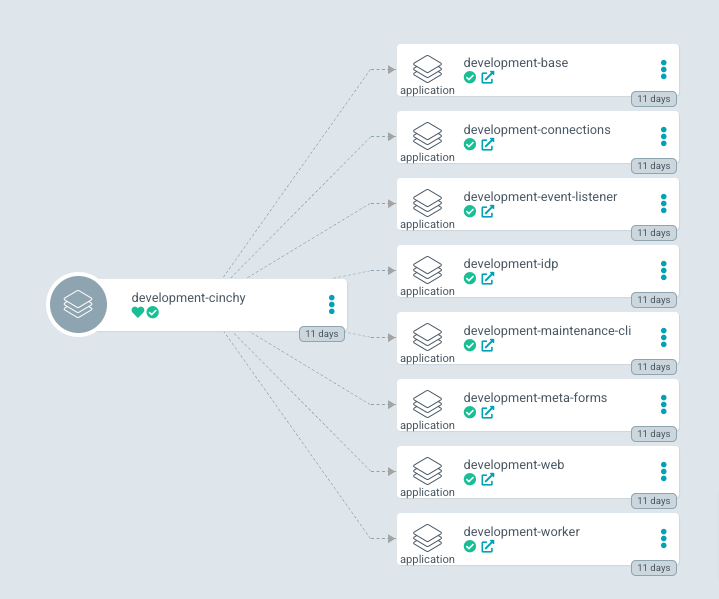
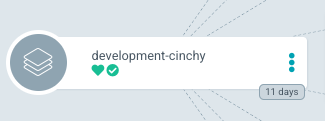
- Select the main application (development-cinchy) (Image 2).
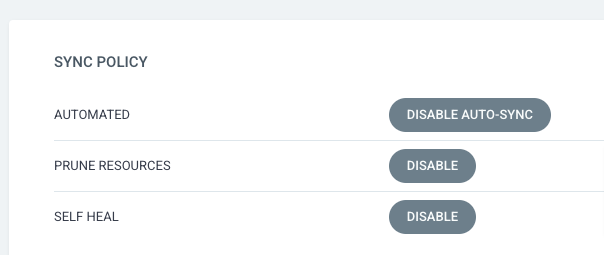
- Navigate to Summary > Sync Policy > Automated, then select Disable Auto-Sync > OK (Image 3).
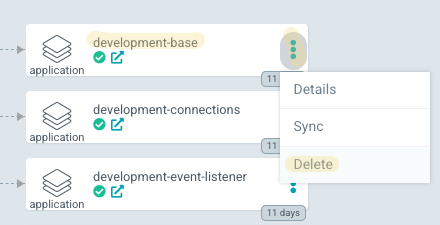
- For each of the cluster applications that you wish to disable, select the "..." > Delete (Image 5).
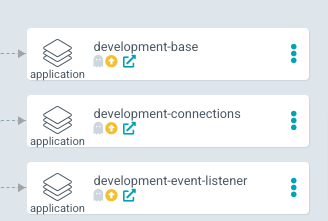
- Your apps should all appear as "out of sync" (Image 6).
Re-enable your applications
- To re-enable your applications, return to the application directory for your disabled
namespace(Image 7).
-
Select the main application (i.e. development-cinchy).
-
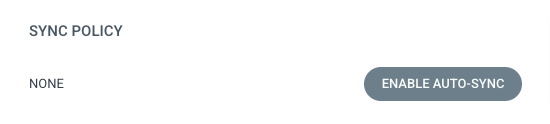
Navigate to Summary > Sync Policy, then select Enable Auto-Sync > OK (Image 9).